 KanbanCord
Assigning tasks and sharing work in Discord
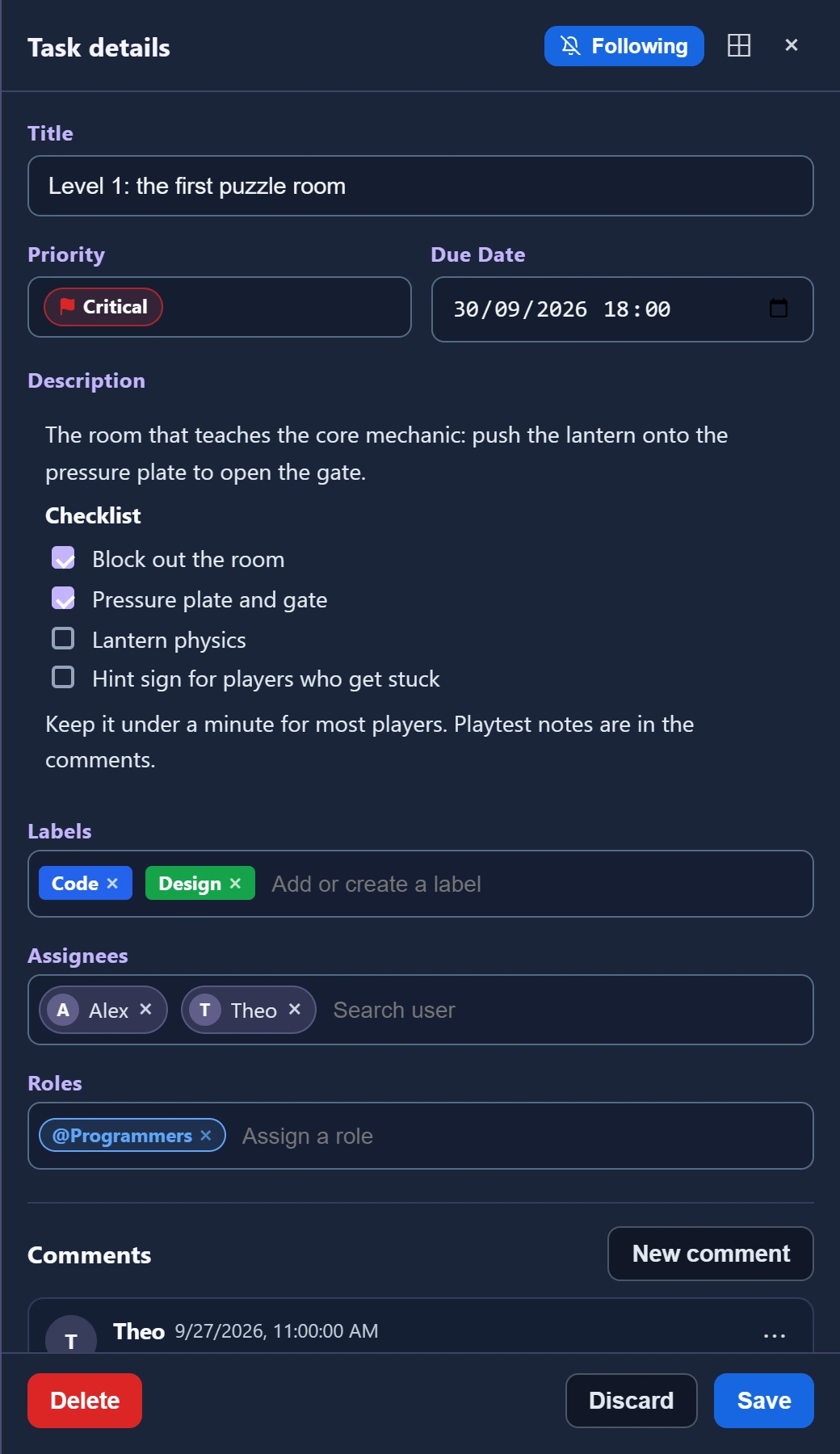
A shared task list works best when everyone knows who is doing what. KanbanCord lets you assign tasks to people and to whole Discord roles, shows who is on each task, and tells people about the tasks they are assigned to.
Switch on assignees
Assigning is one of the features servers switch on when they need it. A server manager runs /kanbancord features and picks Assignees.
Assign people and roles
/task assign board:Sprint task:Fix loginassigns you./task assign task:Fix login user:@Miaassigns someone else./task assign task:Fix login role:@Designassigns a whole role, so the task is for the team rather than one person. Assigning a role only says who the task is for; it gives the role no extra rights./task unassigntakes someone off, with the same options.
You can also pick people when you create a task, since the form asks for them once assignees are on, and from the task's menu in /task view. On an update feed with buttons, every post has a picker showing who is assigned: add or remove people right there.
Keeping people in the loop
People hear about the tasks they are assigned to by direct message: when they are assigned, when the task moves, when its due date changes, when someone comments, and more. Everyone chooses what they get with /notifications, and nobody is ever told about their own changes. If an update feed already mentioned someone in a channel they can see, they can skip the direct message about the same thing.
Not assigned, but want to keep an eye on a task? Follow it from its menu, from the website, or with the Follow button on a feed post, and you will hear about it like its assignees do.
Who may assign whom
By default, everyone who can send messages may assign themselves, and moderators (Manage Messages) may assign others. Servers can change that, per board and per role; see roles and permissions.
More guides
- Getting started: a kanban board in your Discord server · Add the bot, create your first board and your first tasks.
- A shared to-do list for your Discord server · A todo list everyone in the server can see, update and tick off.
- Due dates and reminders in Discord · Deadlines, and reminders before they pass.
- Organising tasks with labels and priorities · Coloured labels and priority levels to sort your tasks.
- Keeping your team up to date: board posts and update feeds · A live board in a channel, or a post for every change.
- Roles and permissions: who can see and change each board · Discord roles from the start, fine-tuned per board and per person.
- The website: every board at a glance · Drag and drop, search, filters and more, live with Discord.