 KanbanCord
A shared to-do list for your Discord server
Most Discord servers keep their to-do list somewhere: a pinned message someone has to edit, a spreadsheet, or just scattered in chat. KanbanCord keeps it in your server as a shared todo list that everyone can see and update, stays current by itself, and never needs a single person to maintain it.
A to-do list with stages
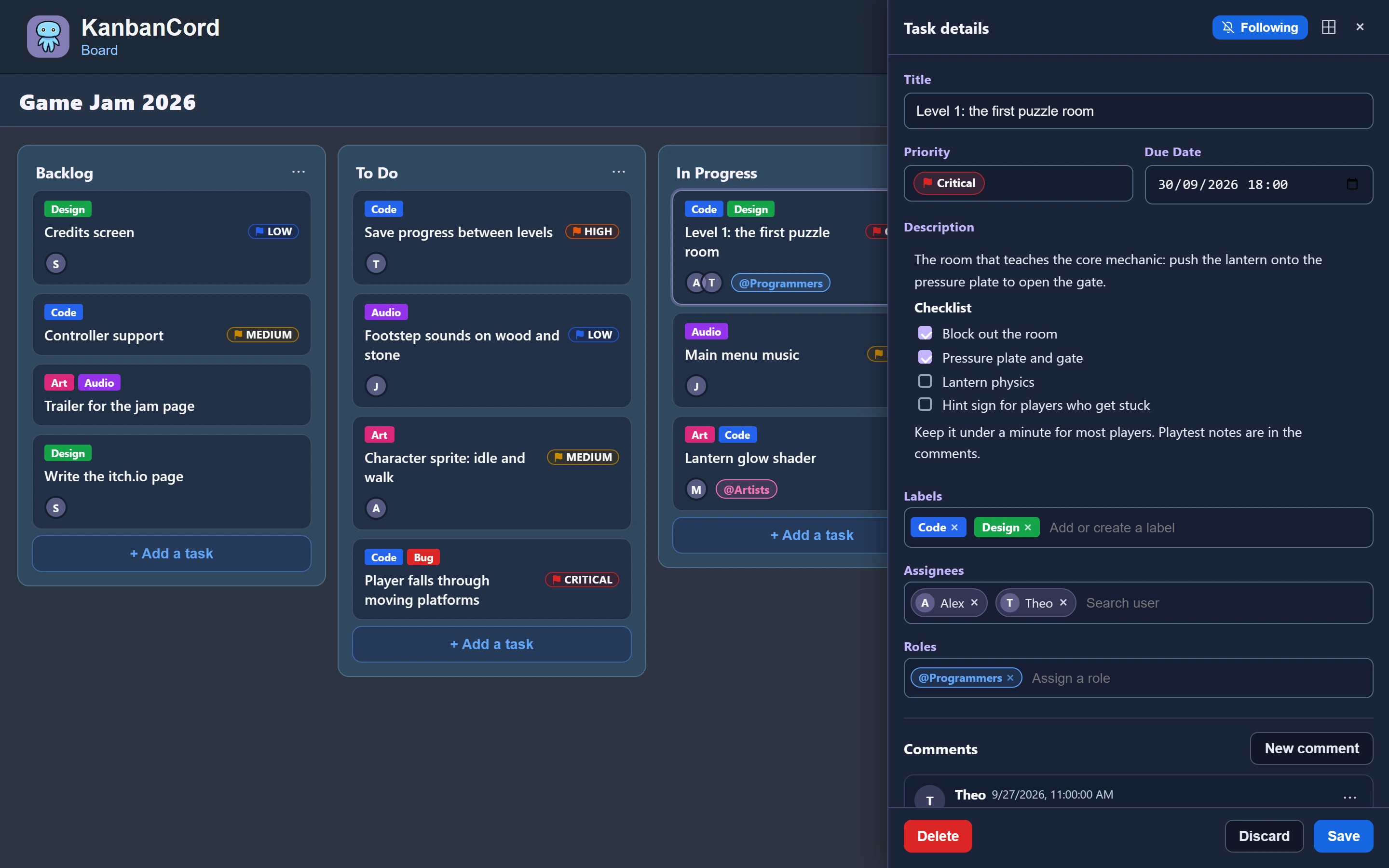
A KanbanCord board is a to-do list split into columns. New boards start with To Do, In Progress and Done: add tasks to To Do, move them along as someone works on them, and ticking one off means moving it to Done. You can see at a glance what is left, what is being worked on and what is finished. This way of working is called kanban, but you do not need to know the word to use it.
Want a plain checklist instead? Keep just two columns, To Do and Done, with /column delete. Or keep a checklist inside a single task: on the website, a task's description can hold tick boxes.
Set it up in a minute
/board create name:To-docreates the list./board post board:To-doin the channel where it should live posts the whole list as one message.- Anyone can press Add task on that message to add something, or use
/task create.
The post edits itself whenever the list changes, from Discord or the website, so the channel always shows the current state. Pin it, and it works like a to-do list pinned at the top of the channel that nobody has to keep up to date. It pings nobody, and several lists can share a channel.
Tick tasks off
Pick a task from the post's menu to open it privately, then move it to Done. Or run /task move task:... column:Done. If your server has an update feed with buttons, each update shows a button per column, so ticking a task off is one click.
Shared, not personal
A board belongs to the server, not to one person, and it follows your Discord roles: everyone who should see it can, and you decide who may change it. That makes it a good fit for a team's tasks, a community's event planning, a game server's build list, or a study group's assignments.
When a to-do list is not enough
Switch on more with /kanbancord features as your needs grow: assign tasks to people, give them due dates with reminders, sort them with labels and priorities, and discuss them in comments. Until then, simple mode keeps your list simple.
More guides
- Getting started: a kanban board in your Discord server · Add the bot, create your first board and your first tasks.
- Assigning tasks and sharing work in Discord · Give tasks to people or roles, and keep them in the loop.
- Due dates and reminders in Discord · Deadlines, and reminders before they pass.
- Organising tasks with labels and priorities · Coloured labels and priority levels to sort your tasks.
- Keeping your team up to date: board posts and update feeds · A live board in a channel, or a post for every change.
- Roles and permissions: who can see and change each board · Discord roles from the start, fine-tuned per board and per person.
- The website: every board at a glance · Drag and drop, search, filters and more, live with Discord.