 KanbanCord
The website: every board at a glance
You can run KanbanCord entirely from Discord. The website is there for when you want the whole picture: every column and task of a board on one screen, and the settings that are easier with a bit of room. Sign in with Discord and pick your server.
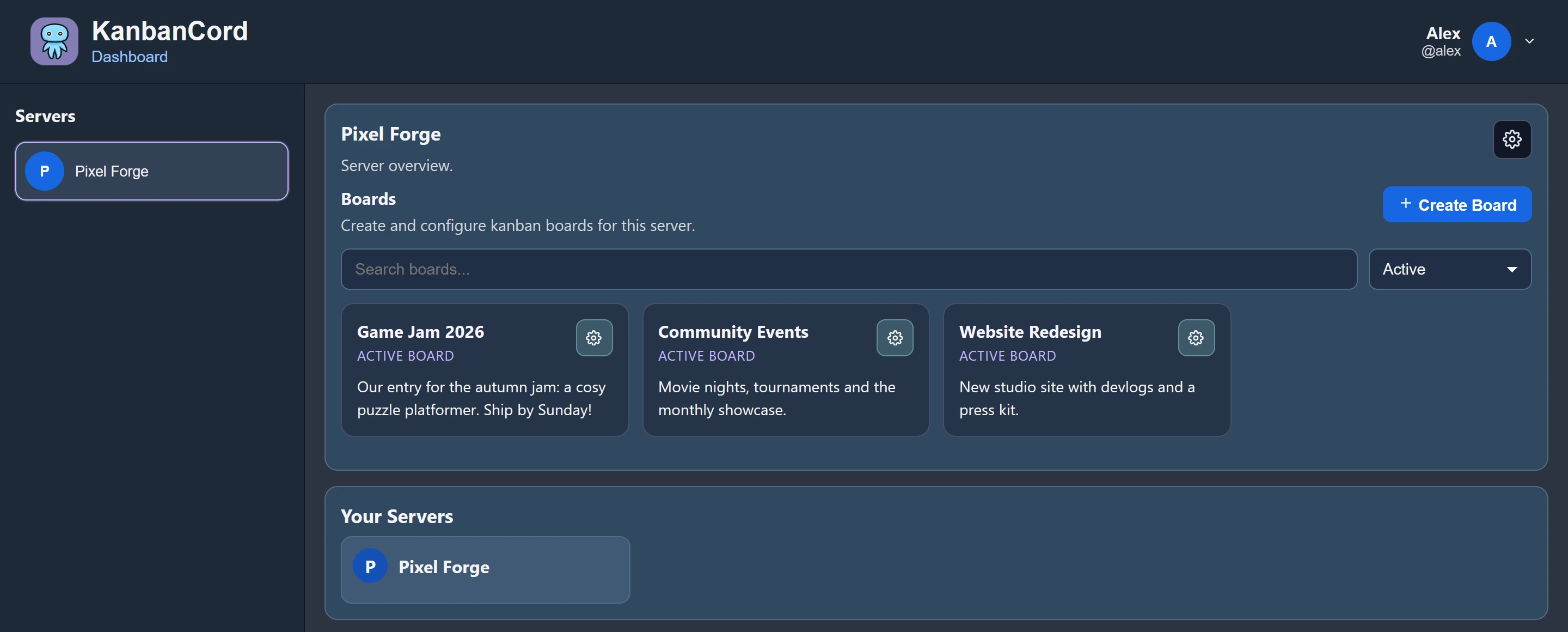
The board
- Drag and drop tasks between columns and within them, and reorder the columns themselves.
- Live: changes made by anyone, on the website or in Discord, appear straight away for everyone with the board open.
- Search and filters: press / to search titles and descriptions, and filter by who is assigned, label, priority or due date. Filters are in the page's address, so you can share a filtered view.
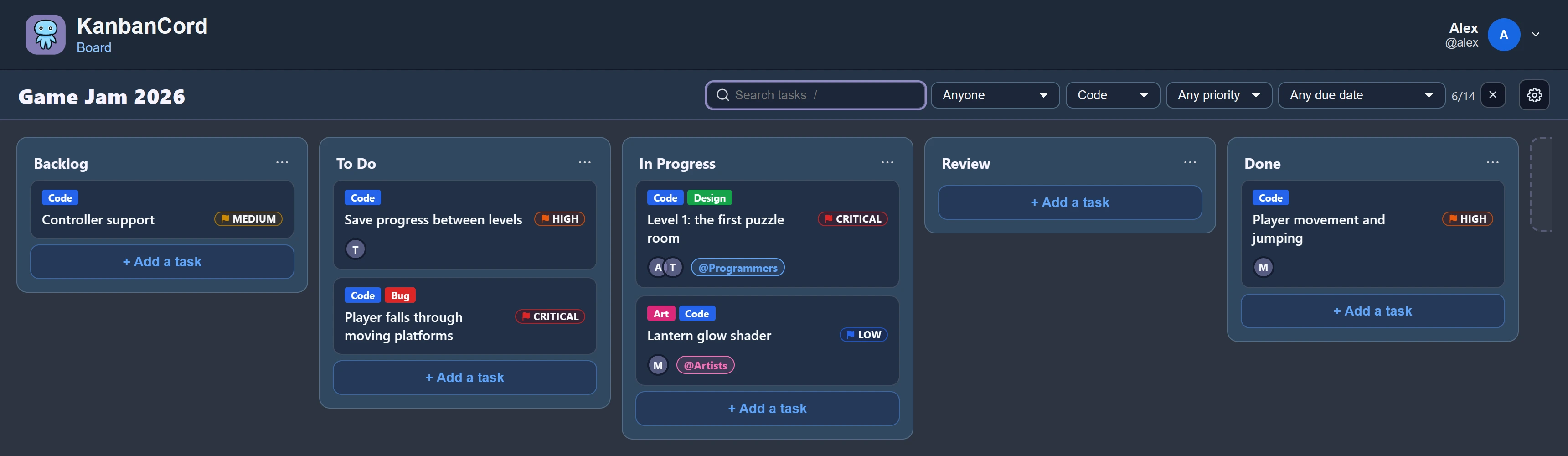
Tasks in full
Open a task to see and edit everything about it:
- A description with formatting, and checklists you can tick off right in the task.
- Images and videos, uploaded, dropped or pasted straight into the description.
- People and roles, labels, priority and due date, as your server has them switched on.
- Comments, and a Follow button to hear about the task by direct message.
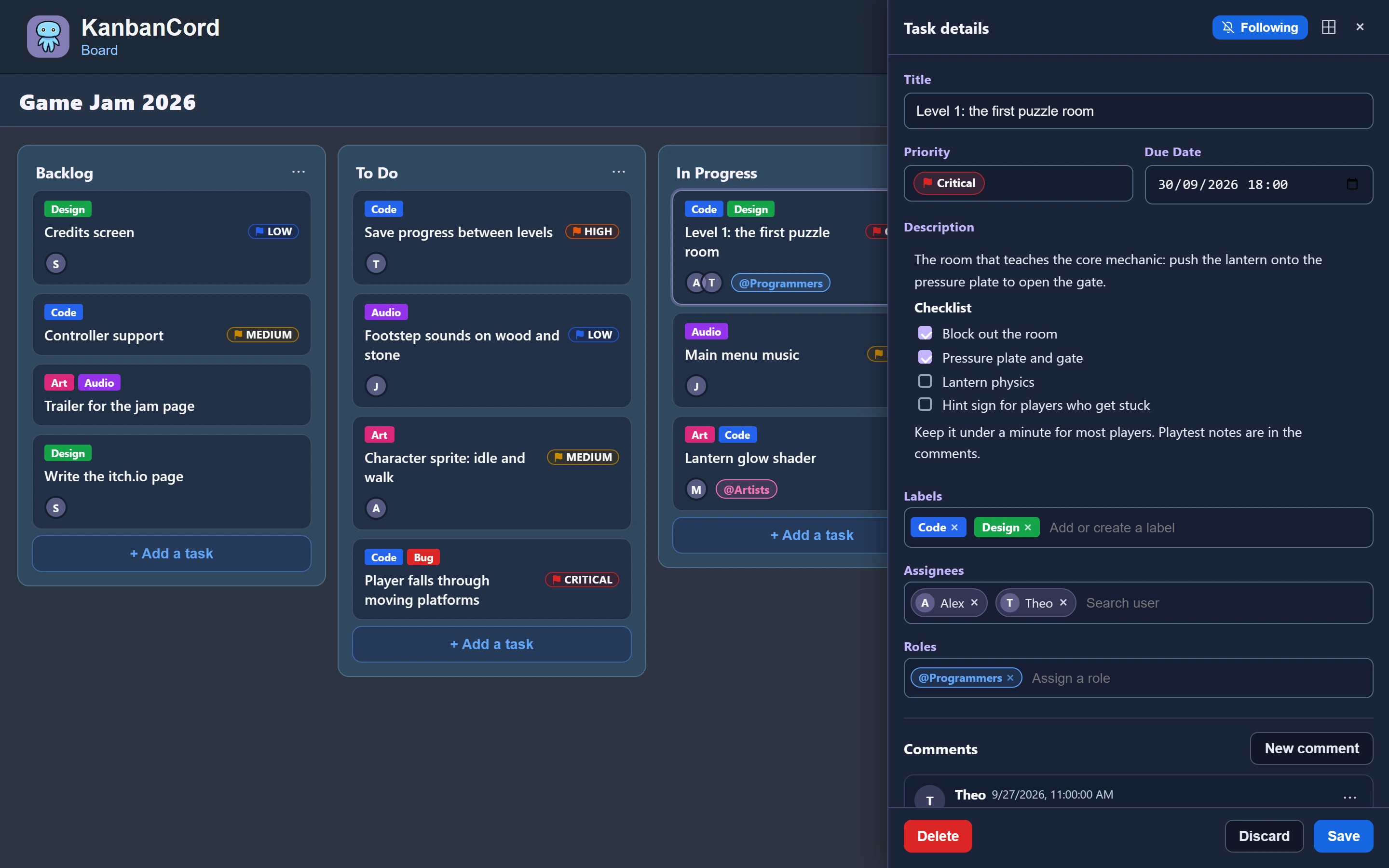
Settings
- Features: which ones the server uses, and which each board switches off for itself.
- Permissions: who may do what, per role, per board and per person. See roles and permissions.
- Notifications: update feeds, with each event and its mentions, and your own direct messages.
- Labels and priority levels for each board.
- Appearance: themes, including light and dark, and accessibility options.
The audit log
Every change is recorded, newest first: who did what, when, and whether it came from Discord or the website. Filter it by board, person or kind of change.
More guides
- Getting started: a kanban board in your Discord server · Add the bot, create your first board and your first tasks.
- A shared to-do list for your Discord server · A todo list everyone in the server can see, update and tick off.
- Assigning tasks and sharing work in Discord · Give tasks to people or roles, and keep them in the loop.
- Due dates and reminders in Discord · Deadlines, and reminders before they pass.
- Organising tasks with labels and priorities · Coloured labels and priority levels to sort your tasks.
- Keeping your team up to date: board posts and update feeds · A live board in a channel, or a post for every change.
- Roles and permissions: who can see and change each board · Discord roles from the start, fine-tuned per board and per person.